
Insta360 Link 2: the webcam for people who do not want to look like 2012
My experience with the Insta360 Link 2 as a 4K webcam for home office, calls and a picture that finally stops looking like a laptop compromise.
Published · March 4, 2026
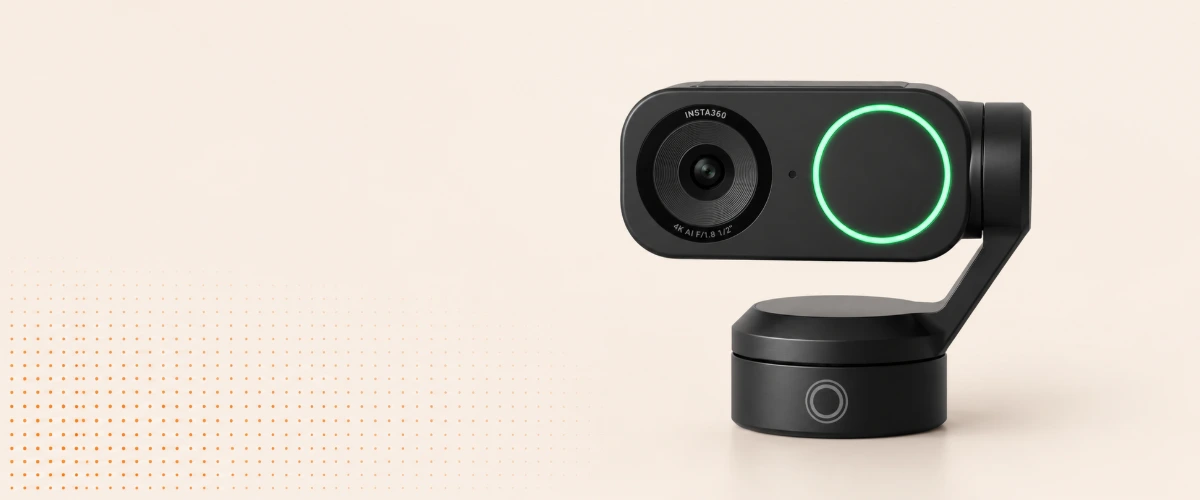
Some devices show you how long you have been pretending something was fine.
Laptop webcams are pretty high on that list.
Sure, they work. You are recognizable. Usually. But there is a surprisingly large gap between "a human is visible" and "this looks reasonably decent".
The Insta360 Link 2 is exactly that kind of upgrade for me: not life-changing, but immediately visible in the home office.
A webcam that does not look like a fallback
I do not need a Hollywood camera for video calls.
I just do not want to look like someone filmed me through a doorbell.
The Link 2 brings 4K, a larger sensor than typical cheap webcams and the whole package of auto-framing, tracking, HDR and software modes. On paper, that sounds like a lot of marketing. In practice, the effect is simple: the image looks cleaner, brighter and less embarrassing.
Especially if you spend a lot of time working from home, that is nice. No call needs to be a production. You just stop fighting bad picture, wrong angle and muddy light.
Tracking is nice, but not the main reason
The Link 2 can follow you and frame you automatically.
That is technically impressive and sometimes practical.
But I am more on team "please not too much camera choreography". If the image dramatically follows me in every meeting, I quickly feel like a product demo accidentally went live.
Set up calmly, it works well: subtle correction, better framing, less fiddling at the start of a call.
And if I want to show something on the desk, the special modes are much more useful than the classic "wait, I'll hold it awkwardly into the camera" move.
What I like about it
- The image is immediately better. No endless tuning, no webcam voodoo.
- It fits the home office. Small enough to stay out of the way, good enough to feel like a real setup.
- Auto-framing helps when set quietly. As comfort, not as a show effect.
- Low light is much more relaxed. Especially on gray days, which feels like 280 days a year.
Together with a proper microphone, it quickly becomes a setup where I stop thinking about the tech. I like the direction I describe in the Shure MV7 article: picture and sound do not need to be overdone, they just need to stop being annoying.
What you should know
A good webcam does not create good light out of nothing.
If you sit in the dark, the Link 2 will not simulate the sun. It can save a lot, but it cannot insult physics.
Also, you do not need every function. If you just want a good picture, set it up, adjust two things and leave the rest alone. That is completely fine.
Would I recommend it?
Yes, if video calls are a real part of your everyday life.
Nobody has to look like a YouTuber. It is simply nice when a device visibly does its job better and then quietly disappears into the setup.
The Insta360 Link 2 is not a spectacular life hack. It is simply a very good answer to the question: "Why does my expensive laptop still look like this?"
And that makes it good stuff.
✦The Link 2 is one of those upgrades you see immediately and stop wanting to give up after two weeks.
More good stuff
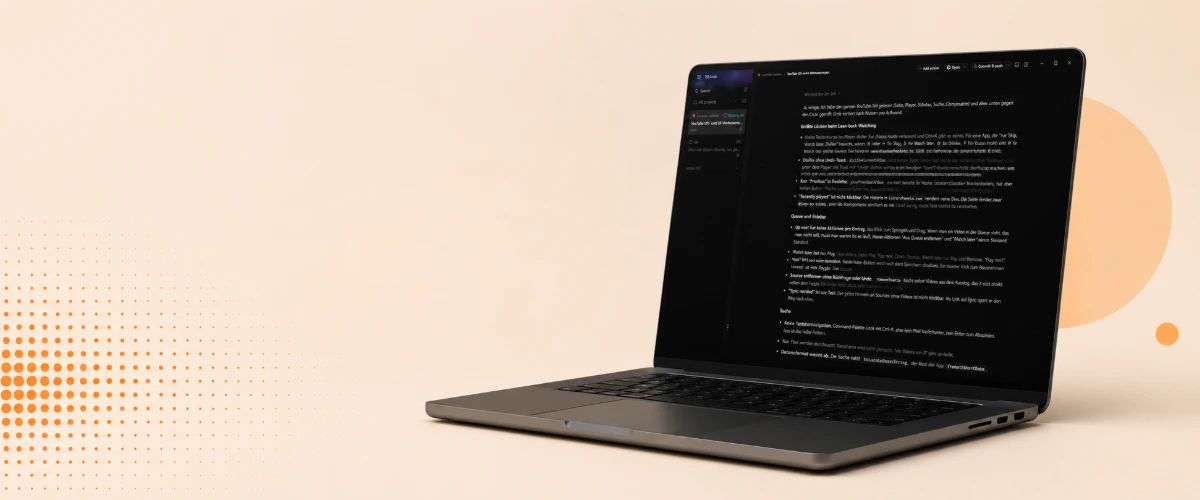 Heißer Tipp
T3 Code: my Claude and Codex subscriptions in one app, without the nagging worry
My experience with T3 Code as a front end for Claude Code and Codex, using both subscriptions the way the providers intend while still switching models freely.
Pi stays my harness. But as soon as my Claude subscription has to be part of the deal, T3 Code is the front end that lets me stop thinking about account bans.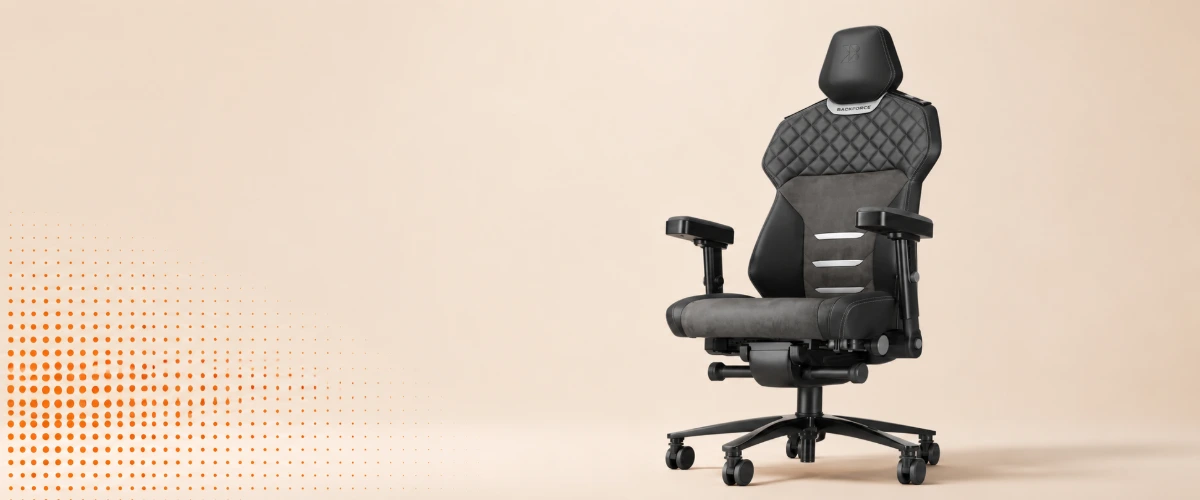 Würd ich wieder kaufen
Backforce One Plus: the chair I only write about because something broke
My experience with the Backforce One Plus after 2.5 years: a good office chair, but the real story is the warranty claim and how fast support actually was.
Two years of just being a good chair. And when something did break, support was faster than any expectation. That is exactly why I would buy it again.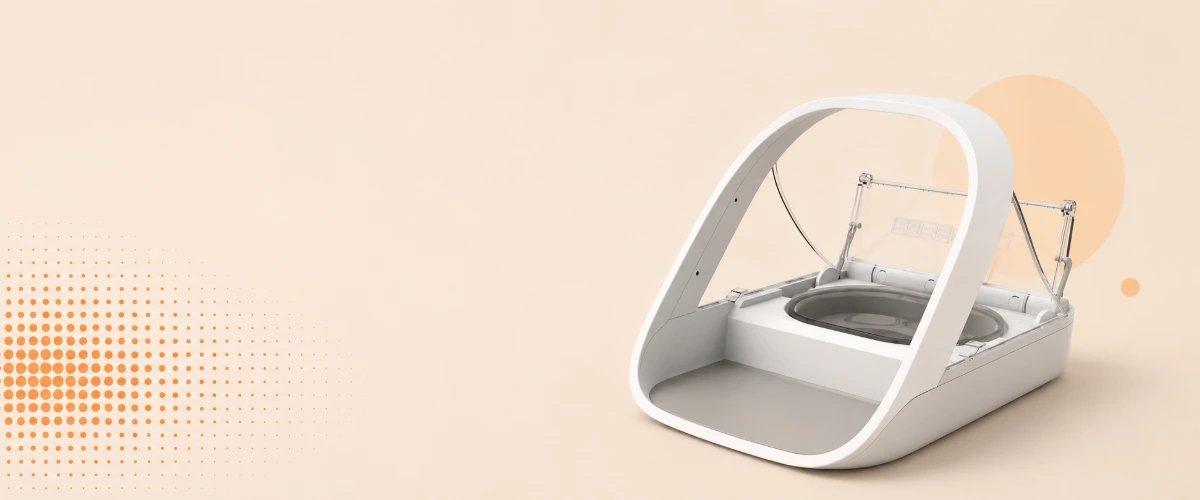 Game Changer
SureFeed Microchip Pet Feeder: how three cats finally eat their own food
My experience with the SureFeed Microchip Pet Feeder in a house with three cats, two prescription diets and one cat that eats three times as fast as the others.
I no longer stand next to the bowls keeping track of who empties which one. Every cat gets her own food, including the slow one.